
My home: OSI payments
The flat’s personal account for monthly OSI payments: bills, payment and history — in the flat admin’s app.
A call from the intercom, a video call and opening the doorScreenshot from the app
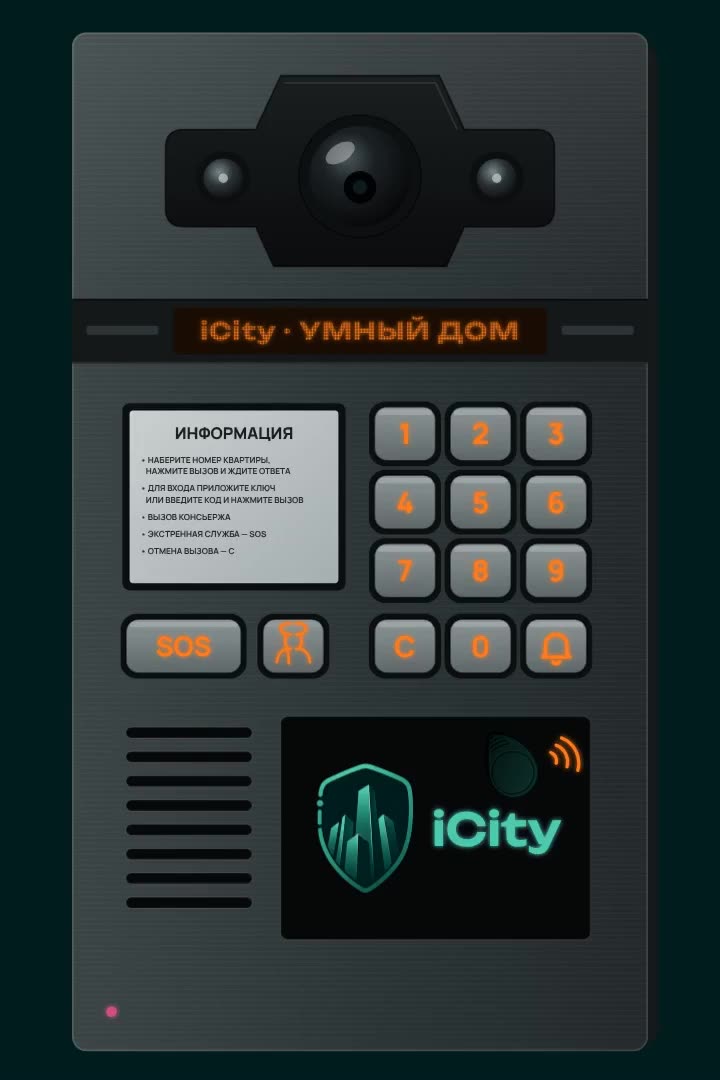
Video call: answer and open
What you can do
OSI billsMonthly bills arrive in the app.
“I’ve paid”The payment mark goes to the OSI right away.
Payment historyAll of the flat’s payments in one list.
soon
Pay with KaspiPay your fees right from the app.How it works
- 1Open “OSI payments”from the home screen — the section is available to the flat admin.
- 2Pay the billin whatever way suits you.
- 3Tap “I’ve paid”— the OSI gets the payment mark.